The quick answer
Modern Web Guidance 1.0 gives AI coding agents curated guidance on browser APIs, accessibility and compatibility. Its command-line scanner also gives maintainers a starting point for reviewing an existing site. Use it to identify specific patterns, then check whether changing them solves a problem for your users. Chrome for Developers’ release recap
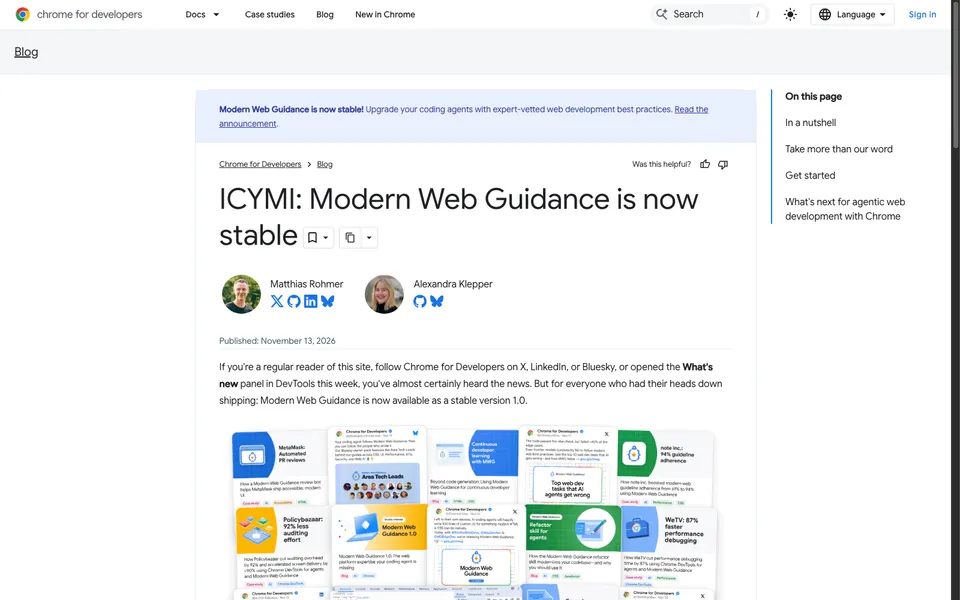
Modern Web Guidance 1.0 gives AI coding agents curated guidance on browser APIs, accessibility and compatibility. Its command-line scanner also gives maintainers a starting point for reviewing an existing site. Use it to identify specific patterns, then check whether changing them solves a problem for your users. Chrome for Developers’ release recap
Start with a scan you can reproduce
From the project root, run npx modern-web-guidance@1.0.0 legacy-scan . --json. Save the output with the commit ID and the path you scanned. Version 1.0.0 makes this run reproducible. The project's quickstart uses @latest to fetch the current release.
The separate npx modern-web-guidance@latest install command starts an interactive wizard for adding the guidance to a coding agent. Run the scan directly when you only need a report. Project quickstart
What the scanner found on Blitz Studio
We ran version 1.0.0 at the root of a Blitz Studio website checkout based on commit 0cb022b. The scan exited successfully and returned zero findings across 35 active rules tied to 33 guides. It reported skipping four documentation or test files. The tool describes that rule set as covering roughly one fifth of its guidance corpus. Use that result as a baseline for the specific patterns the scanner checked.
Review one behavior before replacing it
Suppose your site opens a size guide in a custom modal. Write down what the current implementation does when a shopper opens it with the keyboard, presses Escape and resumes choosing a size. Check where focus lands on open and after dismissal. If a guide suggests using the native dialog element, try the change on one page and repeat the same interaction in the browser versions your shop supports. Include the mobile path and any behavior your analytics or checkout flow relies on.
A scanner match can tell you where to investigate. Keep or change the code based on what you observe in the browser, the audience you support and the maintenance work the change saves. Store that decision alongside the scan. Chrome for Developers’ modernization workflow

The Blitz Studio team
We design brands, build websites and engineer digital products.
Talk about your next project