The quick answer
Plan internal links around the next question a reader is likely to ask. Connect a useful explanation to its supporting evidence, a relevant resource or the service it helps someone evaluate. Use clear link text, ordinary working links and a review record so the connections remain useful as your website changes.

Plan internal links around the next question a reader is likely to ask. Connect a useful explanation to its supporting evidence, a relevant resource or the service it helps someone evaluate. Use clear link text, ordinary working links and a review record so the connections remain useful as your website changes.
Start with a visitor journey
An internal link connects two pages on the same website. Its practical job is to help someone continue a task without having to guess where the answer is hidden. Navigation provides the broad routes; contextual links inside useful content can explain a more specific next step.
Choose a few common journeys before adding links everywhere. A founder might read a platform comparison, use a planning resource and then review relevant project work. A buyer evaluating a service might need its scope, a credible example and an explanation of the enquiry process.
Write down what the visitor needs at each point. This makes the linking decision concrete: the destination should answer the next question that arises from the current page. Our website structure guide covers how to organize the destinations themselves.
Build a small link inventory
Start with important services, topic pages, practical guides and resources. For each page, record its main reader task, the pages it should receive visitors from and the most useful places it should send them next. Include the actual URL so the record can be checked.
For an existing website, compare this plan with the links that are really present. A page can be listed in a spreadsheet and still have no sensible route from the public website. Ask the implementer for a crawl or inspect the actual navigation, topic pages and relevant articles.
Separate a missing connection from a missing answer. If the right destination does not exist, write down the gap. Linking a sentence about implementation costs to an unrelated homepage does not supply the information the reader expected.
Work through one realistic example
Consider an illustrative business that installs office acoustic panels. It has a service page, a guide to preparing a room survey, a permitted project case study and an enquiry form. This is a fictional example, not a Blitz Studio client or a measured search opportunity.
On the service page, a section about planning could link to the room-survey guide. A section explaining the installation process could link to the case study where that process is documented. The enquiry action could explain what room information the team needs before it can discuss a proposal.
The survey guide could link back to the relevant service when readers reach the point of seeking help. The case study could link to the service whose actual work it demonstrates. Each connection has a purpose; the pages do not need to link to every other page in every paragraph.
The same method works for a studio's content library. A guide about writing metadata can lead to a page-planning worksheet. That worksheet can point back to the explanation when someone needs help completing it.
Write link text that sets the right expectation
Choose words that describe the destination in the surrounding sentence. “Review the website launch checklist” tells someone more than a standalone “click here.” Keep the phrase natural and use the vocabulary the reader already understands.
Google's link guidance recommends descriptive, reasonably concise and relevant anchor text. It also explains that search engines generally need an anchor element with a destination to crawl a link. A visual card that only reacts to a script is worth checking with your implementer.
Accessible wording matters too. W3C's link-purpose explanation describes how a link's purpose can be determined from its text or its programmatically associated context. A repeated label can sometimes have useful surrounding context; making the wording more specific is often the simpler editorial choice.
Avoid forcing a long list of keyword variations into every link. The sentence should still read naturally, and the destination should fulfill the promise. Clear wording is useful even when the reader is browsing directly rather than arriving from search.
Choose a suitable place for the link
Place a contextual link where the destination becomes relevant. A reference to a brief template belongs beside the explanation of what to prepare, rather than in an unrelated opening sentence added solely to create a link.
Use the main navigation for the website's important areas. Use a curated topic page when readers need help selecting among several related guides. Use a related-reading section for sensible continuation after the main answer. These roles can support one another without creating a repeated wall of links.
Before adding a second link to the same destination on one page, ask whether it serves a different useful moment. A long guide may need a resource near the relevant instructions and again at the end. A short paragraph usually needs less repetition.
Review important pages that are hard to reach
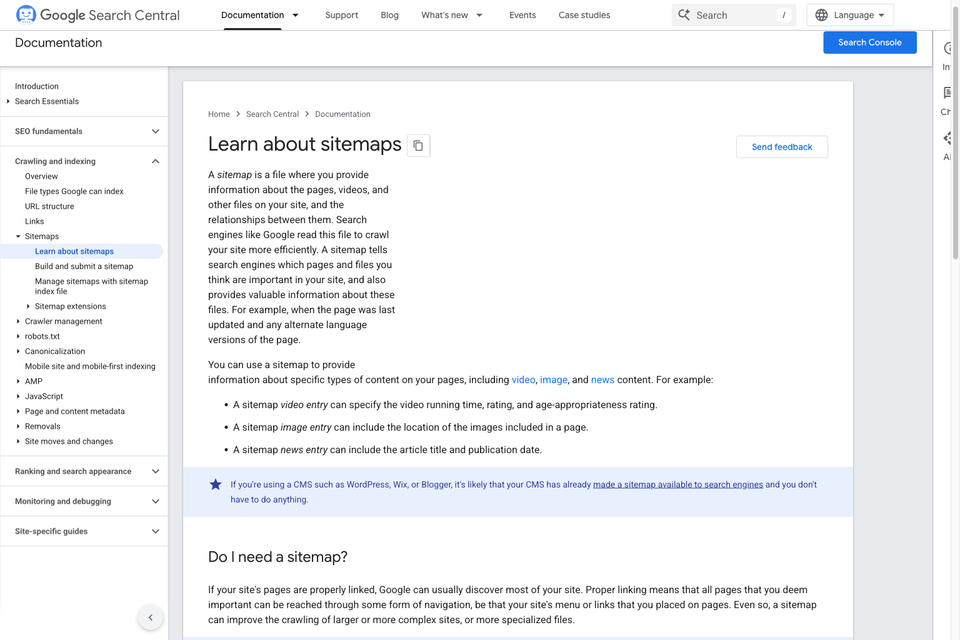
Check whether the pages your business values can be found from relevant public destinations. A service hidden behind an outdated menu or a guide absent from its topic collection deserves attention even if its URL appears in a sitemap.
For each potentially isolated page, record the current evidence. Which live pages link to it? Are those links visible and understandable? Does the page actually belong in the published library? A retired campaign or private utility page should not automatically be promoted simply to increase its internal-link count.
There is no universal number of links that makes every page successful. Prioritize the reader's task and the content available. A small site with a few distinct services needs a different navigation plan from a substantial reference library.
Test the route, not just the label
Follow the link on the rendered website. Confirm the intended page loads, the address is the correct canonical destination and any section fragment reaches the right content. Review the route on a phone and with a keyboard as well as with a pointer.
- Confirm an ordinary page link behaves like a link and can be opened in a new tab.
- Check that a download supplies the actual file its label promises.
- Review whether the destination answers the question raised by the source sentence.
- Replace avoidable internal links through outdated redirects with the current destination.
- If a URL moved, retain any appropriate legacy redirect while updating your own links.
An HTTP success response alone does not establish that a page is the right answer. A generic fallback page can look healthy to a simple status check. Inspect the content and the reader's next action.
Keep a lightweight maintenance record
Give each link decision an owner and record unresolved destinations. When an article, service or resource changes, review both the links on that page and the important pages pointing to it. This is especially useful during a redesign or content consolidation.
After publication, use real navigation or analytics evidence when it is available. Record what the report measures and whether test visits are included. A change in clicks does not, by itself, prove that a new link caused a business outcome or a search-ranking change.
Start with one meaningful journey, fix the gaps and repeat the method across related content. The result should help people move through answers they can use.
Sources and companion resources
- Google Search Central: crawlable links and anchor text.
- W3C: understanding link purpose in context.
- The SEO page planning worksheet for recording page roles and related destinations.
- How to design a useful service page for planning the answer a buyer reaches next.
Primary guidance was checked on 28 October 2026. The business scenario is illustrative. The cover is an AI-generated editorial photograph.

The Blitz Studio team
We design brands, build websites and engineer digital products.
Talk about your next project