Use this worksheet to brief a product shoot and review the gallery before launch. Fill in the buying question and acceptance check for each photo. The worked example uses a fictional canvas tote.
Set the shoot brief
- Product and SKU
- Available colours or styles
- Approved sample and specification owner
- Gallery and collection card crops
- Shoot owner, reviewer and delivery date
Record one row per shot
- Buying question describes what the shopper needs to see.
- View specifies framing, angle and the feature in focus.
- Variant identifies the sample in the frame.
- Placement identifies the gallery position or variant selection.
- Acceptance check states what should remain visible on the smallest intended crop.
- Filename and owner help the reviewer find the approved deliverable.
- Status records whether the view is planned, approved or needs a reshoot.
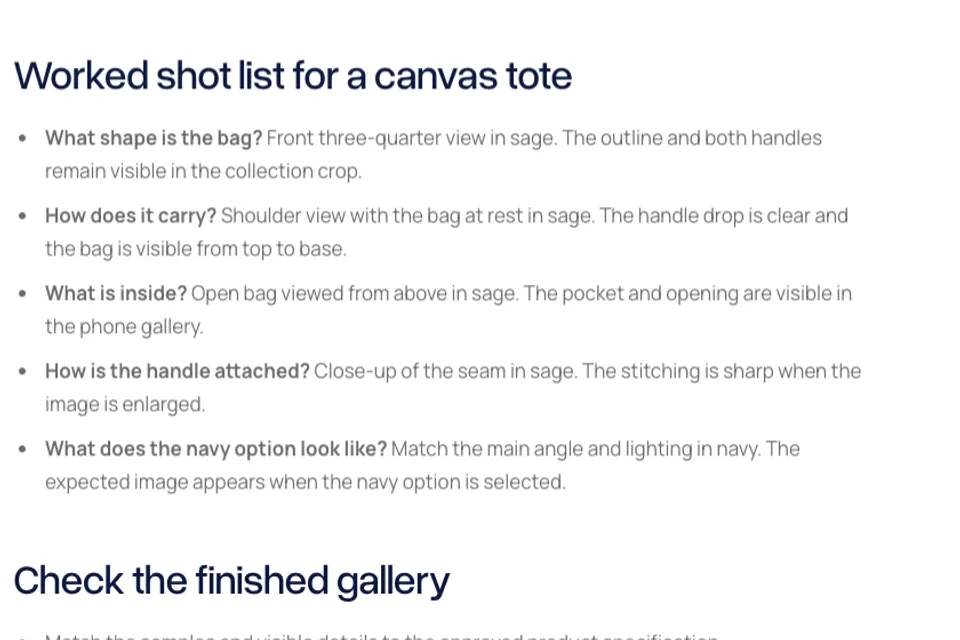
Worked shot list for a canvas tote
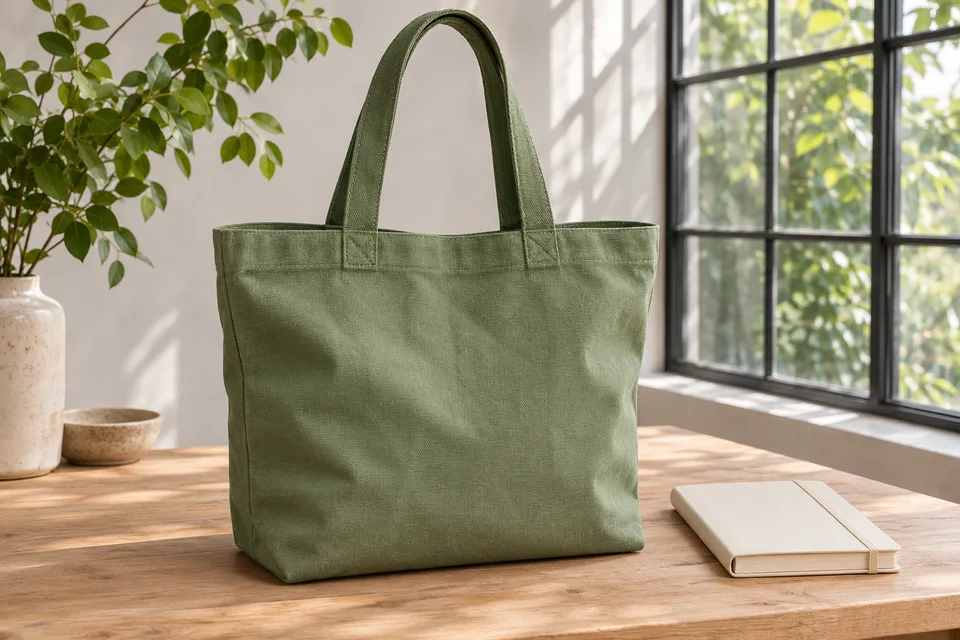
- What shape is the bag? Front three-quarter view in sage. The outline and both handles remain visible in the collection crop.
- How does it carry? Shoulder view with the bag at rest in sage. The handle drop is clear and the bag is visible from top to base.
- What is inside? Open bag viewed from above in sage. The pocket and opening are visible in the phone gallery.
- How is the handle attached? Close-up of the seam in sage. The stitching is sharp when the image is enlarged.
- What does the navy option look like? Match the main angle and lighting in navy. The expected image appears when the navy option is selected.
Check the finished gallery
- Match the samples and visible details to the approved product specification.
- Check the primary image in the card crop and on the product page.
- Verify the display after selecting each photographed variant.
- Check touch and keyboard access to gallery controls.
- Confirm measured dimensions and included accessories in page text.
- Assign any reshoot to an owner and record the next review date.
For each additional product, copy the worked shot list and replace the example rows with the questions buyers ask about that item. Plan your product gallery

The Blitz Studio team
We design brands, build websites and engineer digital products.
Talk about your next project