How to plan a product photo gallery
Plan a product gallery around buying questions, variant coverage and crops that show the right details on phones and collection cards.
Read article: How to plan a product photo gallery
Explore a topic
A useful website helps visitors understand what you offer, decide whether it is relevant and take the next step. Start with those tasks before choosing layouts, visual treatments or animation.
Use the brief template to agree the job of the website. Then use the SaaS homepage framework to turn a product promise into a useful page.
Plan a product gallery around buying questions, variant coverage and crops that show the right details on phones and collection cards.
Read article: How to plan a product photo galleryGive a small search interface a clear promise and verify it with a bounded query matrix.
Read article: How to plan search for a small content hubAnswer real visitor uncertainties with clear sources, useful placement and an owner for every answer.
Read article: How to write useful website FAQsKeep the page understandable and usable when unnecessary motion is removed.
Read article: How to plan reduced motion for a business websiteBuild a credible website case study from a specific problem, a visible design decision and evidence you can explain. Separate delivered work from measured business outcomes.
Read article: How to write a useful website project case studyConnect emerging browser-agent tools to real website tasks and evidence your team can review.
Read article: AI browser agents and WebMCP: what website owners should do nowExplain the problem and the next available step without promising an outcome the system cannot confirm.
Read article: How to write useful website error messagesDecide what each image contributes before writing its alternative text or treating it as decoration.
Read article: How to write useful image alt text for a business websiteTurn a convincing AI-generated draft into a website the business can review, approve and operate.
Read article: How to review an AI-built website before launchMake the next action clear by connecting the visible wording, implementation and immediate result.
Read article: How to write useful website button labelsChoose useful crops, ship appropriate image sizes and check what the browser actually downloads.
Read article: How to prepare responsive images for a business websiteAgree the fields, instructions, recovery states and delivery responsibilities before designing the form.
Read article: How to plan an accessible website formTurn a real service offer into clear answers about scope, process, evidence and getting started.
Read article: How to design a service page that answers buyer questionsThe decisions behind a clear value proposition, useful proof and a focused next step.
Read article: What belongs on a SaaS homepage?Turn a loose idea into a brief that makes scope, priorities and decisions clear.
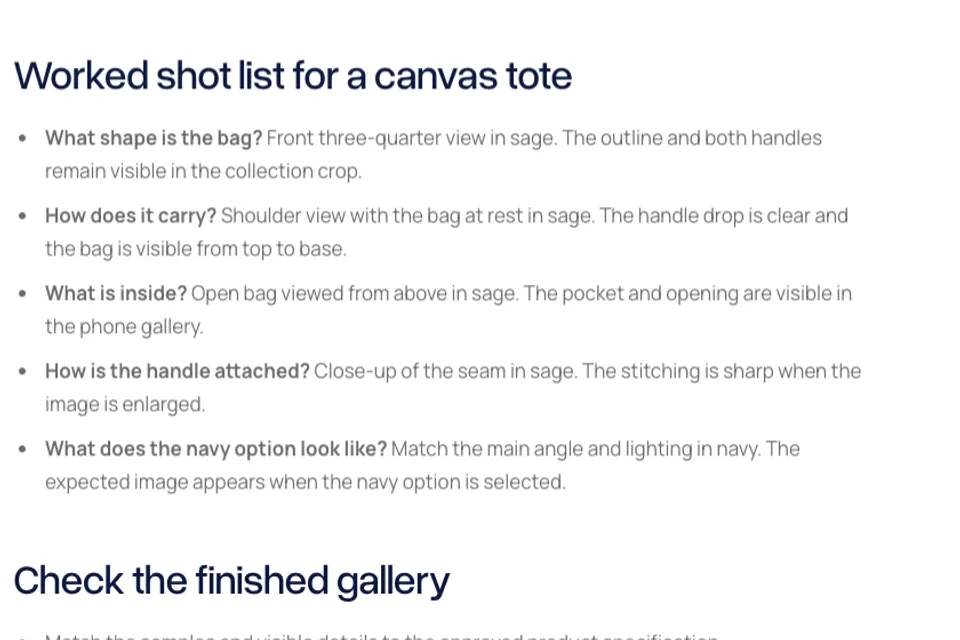
Read article: How to write a website brief your team can actually useBrief a product photo shoot with a worked canvas tote example, variant coverage and checks for the finished gallery.
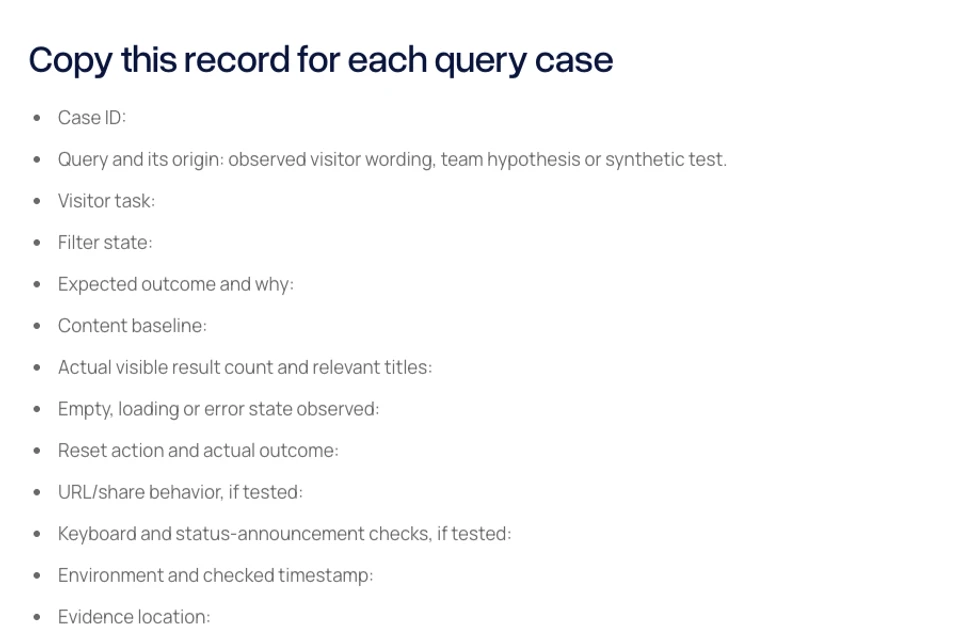
Explore resource: Product photo shot list and review worksheetTurn search expectations into query cases with a content baseline, actual results and clear test limits.
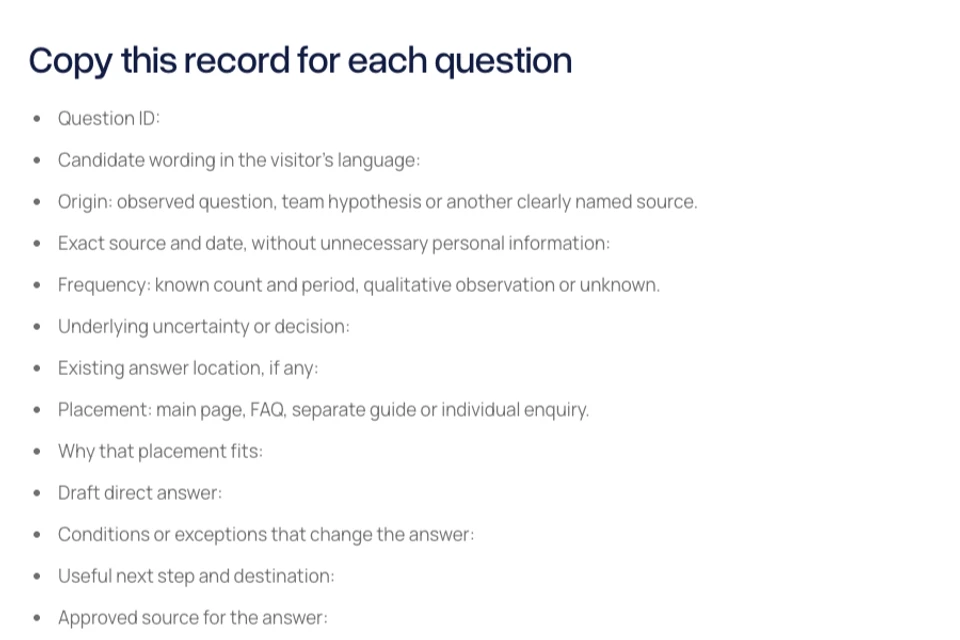
Explore resource: The website search planning and query-test worksheetConnect each question to a visitor decision, supported answer and maintainable place on the website.
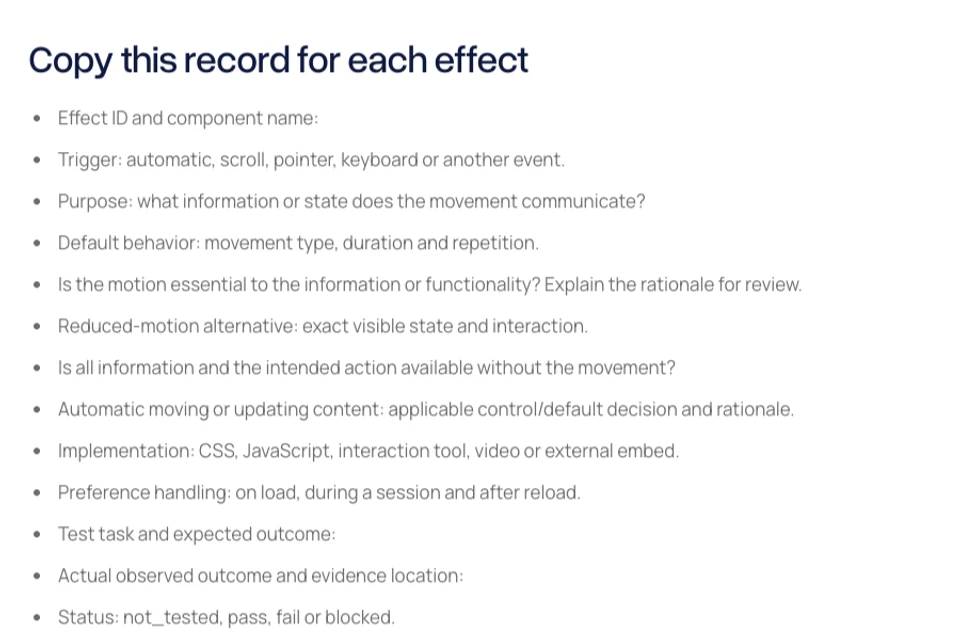
Explore resource: The website FAQ planning worksheetTurn each moving effect into an explicit decision, alternative and scoped verification record.
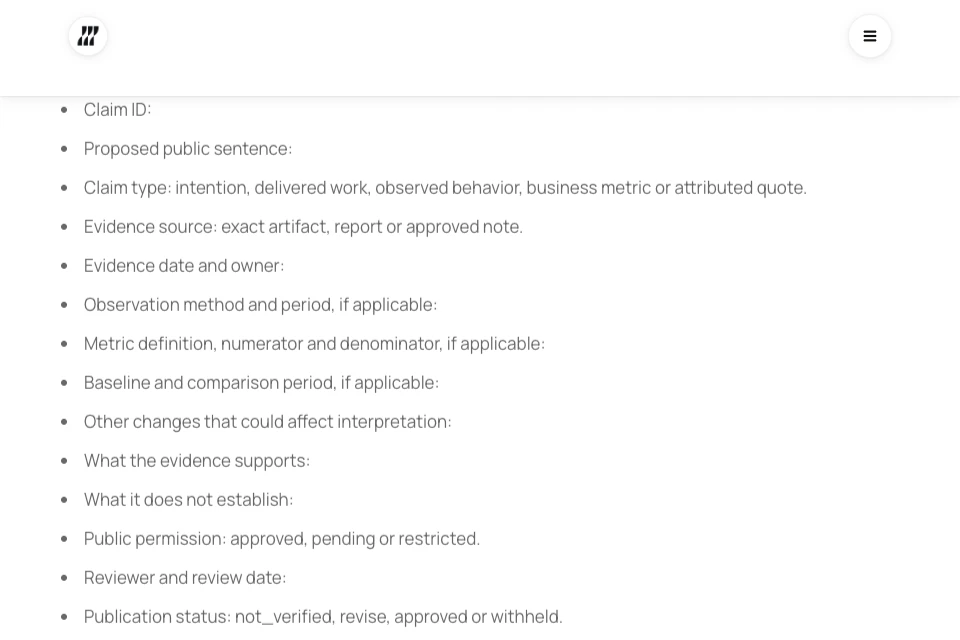
Explore resource: The website motion planning worksheetRecord what a project claim actually supports before turning it into public case-study copy.
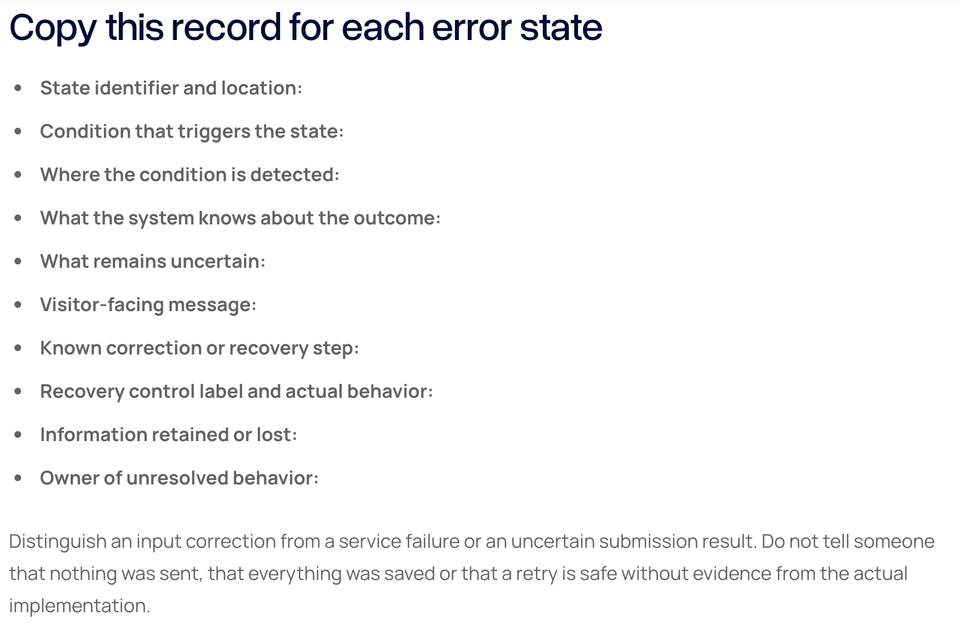
Explore resource: The website case study evidence worksheetConnect each detected problem with an honest message, a usable recovery path and review evidence.
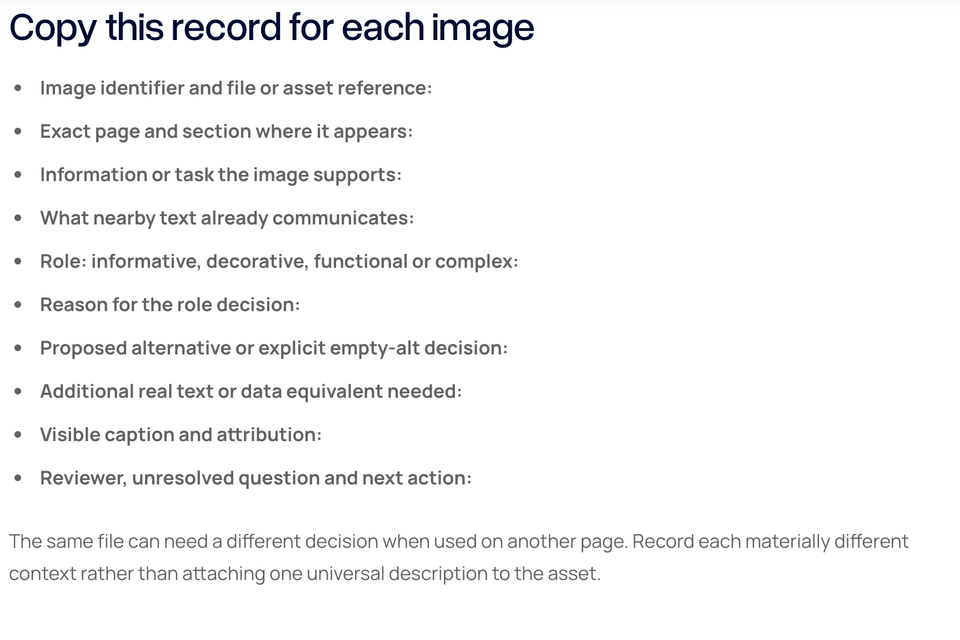
Explore resource: The website error-state planning worksheetRecord image purpose, alternative text, provenance and delivery observations in one practical review.
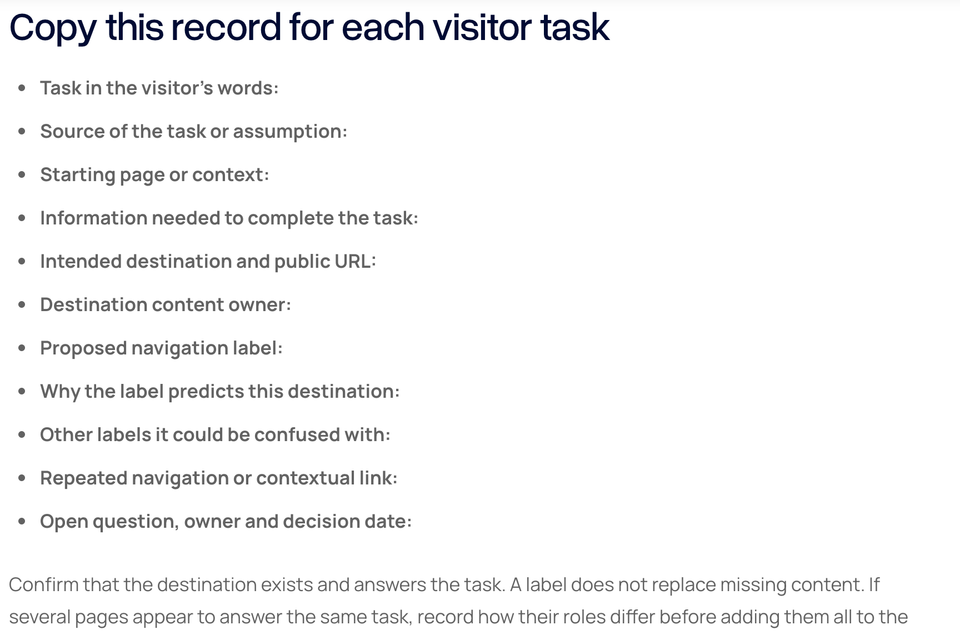
Explore resource: The website image review worksheetConnect visitor tasks, destinations and menu labels in a navigation plan your team can review.
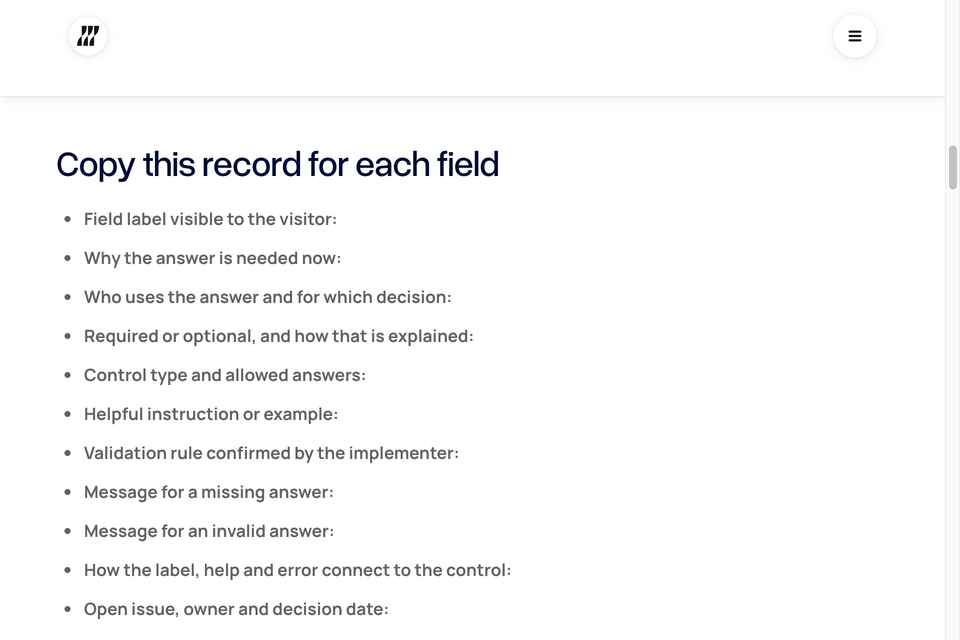
Explore resource: The website navigation planning worksheetTurn the visitor task, field decisions and submission states into a form specification your team can review.
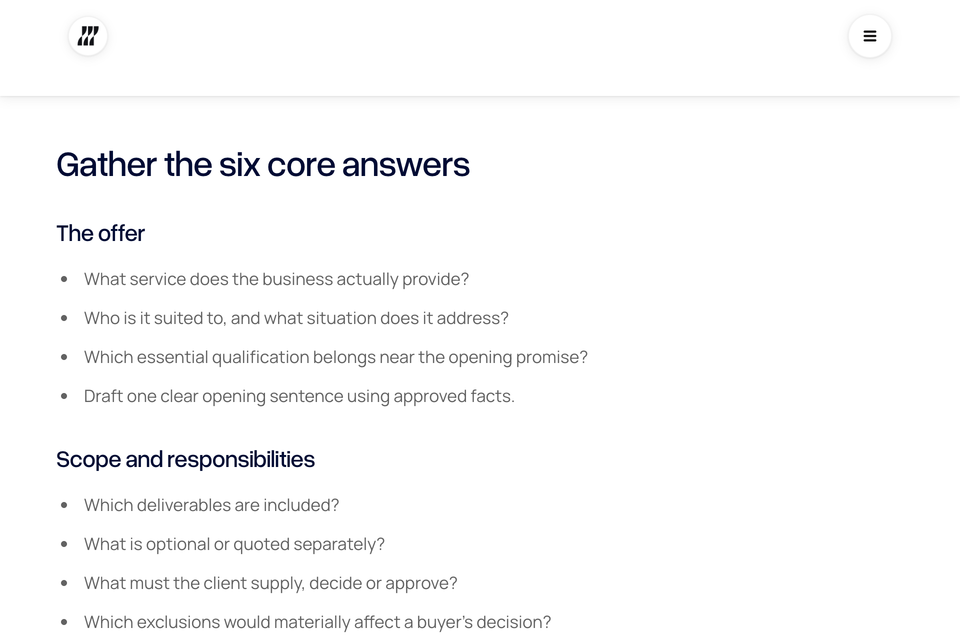
Explore resource: The website form planning worksheetCollect the approved answers and evidence your service page needs before designing it.
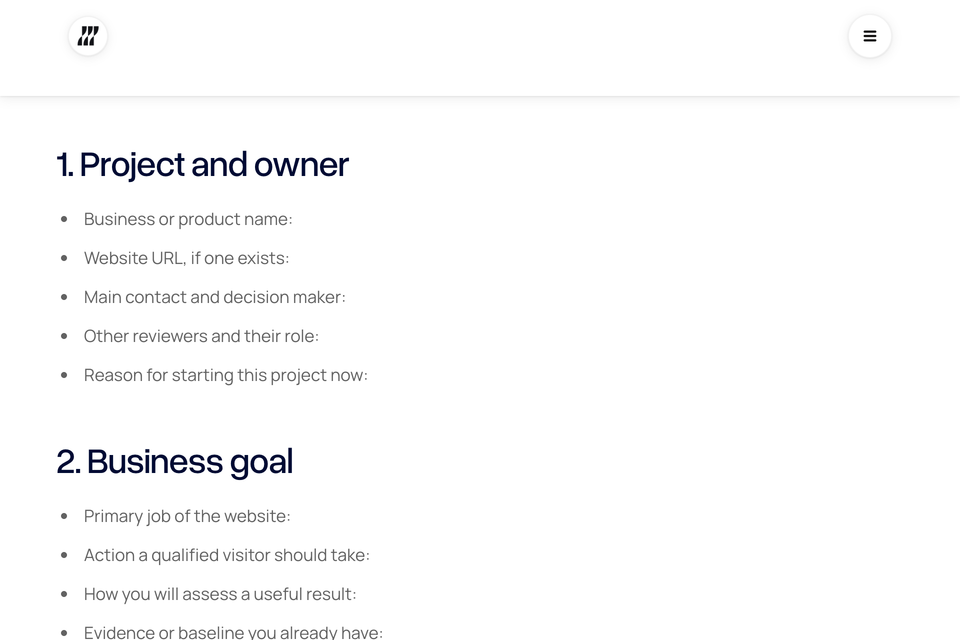
Explore resource: The service page content worksheetA thoughtful starting point for your goals, audience and project scope.
Explore resource: A clearer brief. A better website.