Use this worksheet to record how one public page, PDF or Search Console property should behave. Copy the fields for each additional item. Review the current configuration before assigning a change.
Record the decision
- Item and owner Write the exact URL or property and the person who can approve changes.
- Reader task Describe what someone should be able to find and do.
- Intended access Record whether anyone can open it or whether access requires authorization.
- Intended discovery State which URL should be eligible to appear in search.
- Control and scope Identify the page, file response or property whose settings implement the choice.
- Observation Record what you actually saw, where and on which date.
- Review Name the reviewer, the next check and its expected evidence.
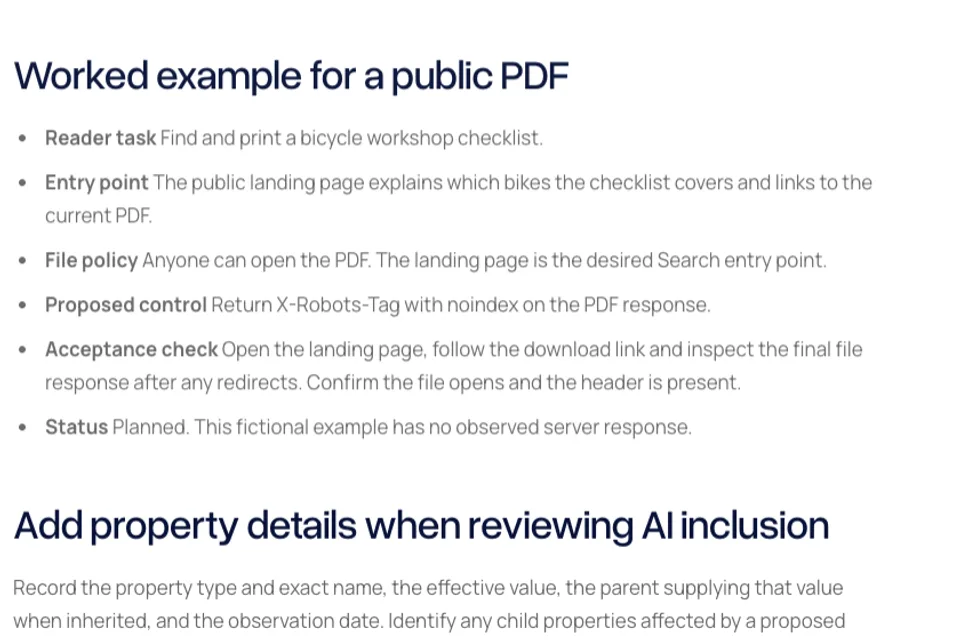
Worked example for a public PDF
- Reader task Find and print a bicycle workshop checklist.
- Entry point The public landing page explains which bikes the checklist covers and links to the current PDF.
- File policy Anyone can open the PDF. The landing page is the desired Search entry point.
- Proposed control Return X-Robots-Tag with noindex on the PDF response.
- Acceptance check Open the landing page, follow the download link and inspect the final file response after any redirects. Confirm the file opens and the header is present.
- Status Planned. This fictional example has no observed server response.
Add property details when reviewing AI inclusion
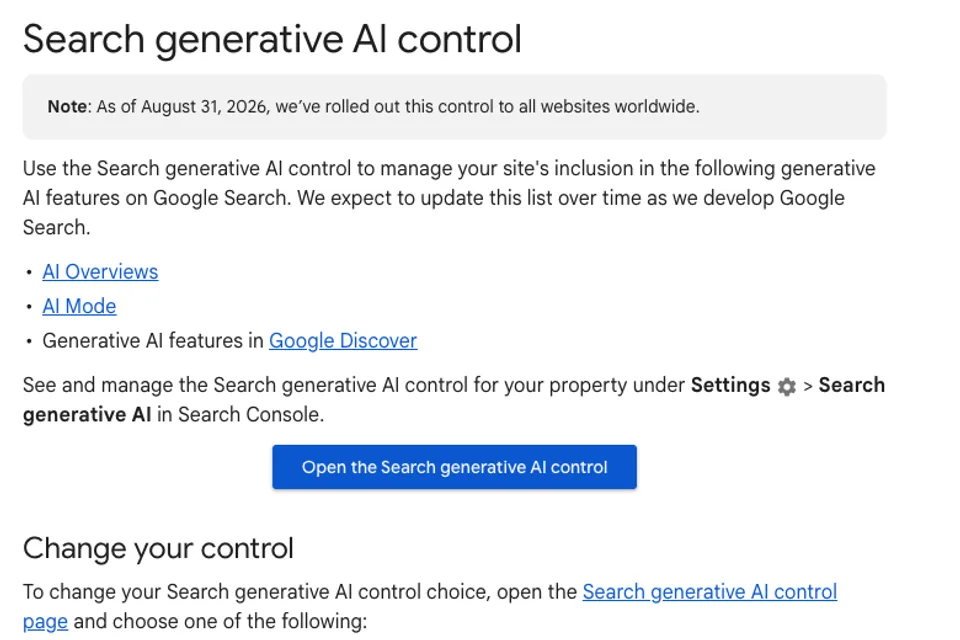
Record the property type and exact name, the effective value, the parent supplying that value when inherited, and the observation date. Identify any child properties affected by a proposed change. Ask the authorized owner to confirm the intended scope before changing the setting.
Close the review
- Record the version or change date alongside the observed configuration.
- Verify the final public response and preserve the evidence.
- Set a follow-up date for observing processing or report data when authorized access is available.
- Mark the evidence pending if you cannot observe the property or report.
- Reopen the record when a download URL, access policy or property hierarchy changes.
Read the guide to inherited AI controls

The Blitz Studio team
We design brands, build websites and engineer digital products.
Talk about your next project