Use this worksheet to review an image in its actual website context. Copy the records into project notes or download the editable Markdown version. This page does not collect or save completed answers. Keep private or licensed evidence in the project's approved document system.
Describe the review
- Website and page URL:
- Page purpose and intended audience:
- Content owner and implementation owner:
- Reviewer, method and date:
- Preview or production environment:
- What is included in this review:
- Known limits and open decisions:
Use the image alt-text guide for the editorial decision and the responsive-image guide for delivery checks. Record observed results rather than assuming a source file proves the rendered behavior.
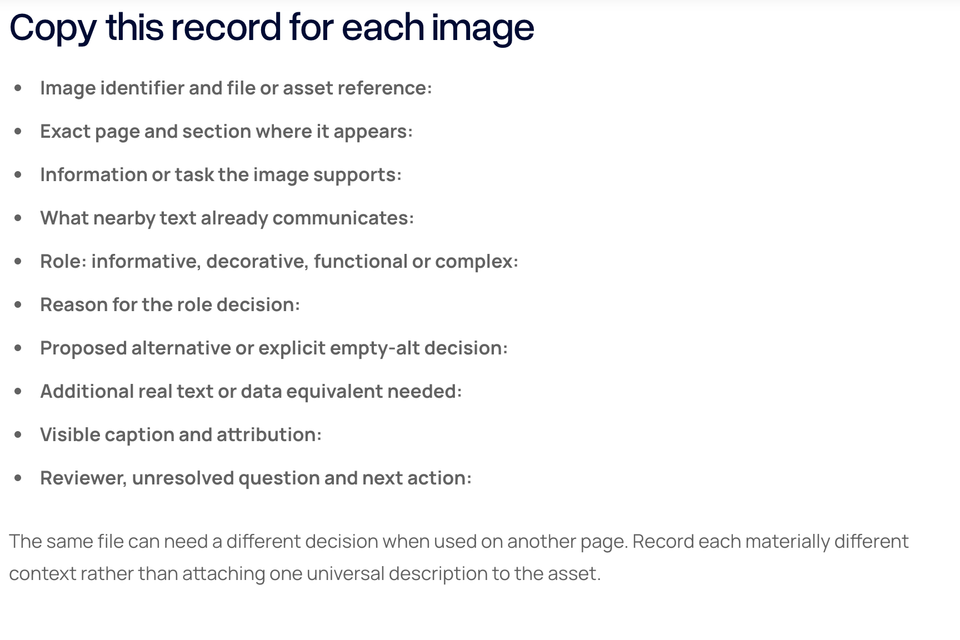
Copy this record for each image
- Image identifier and file or asset reference:
- Exact page and section where it appears:
- Information or task the image supports:
- What nearby text already communicates:
- Role: informative, decorative, functional or complex:
- Reason for the role decision:
- Proposed alternative or explicit empty-alt decision:
- Additional real text or data equivalent needed:
- Visible caption and attribution:
- Reviewer, unresolved question and next action:
The same file can need a different decision when used on another page. Record each materially different context rather than attaching one universal description to the asset.
Record source and permission
- Original source URL or approved internal reference:
- Creator or rights holder, where known:
- Permission, license or approval reference:
- Real photograph, generated illustration or genuine screenshot:
- Generation prompt and provenance location, if applicable:
- Screenshot capture date and environment, if applicable:
- Claims the image must not imply:
- Visible disclosure or credit required:
Do not present fictional generated people as a real team or client. A product-like image is not evidence of specifications, certification or availability. Describe genuine screenshots accurately and keep private account information out of public captures.
Check links and buttons containing images
- Control's real destination or command:
- Visible text within the control:
- Image alternative:
- Observed accessible name in the implementation:
- Does the name communicate the intended action:
- Does any text repeat unnecessarily:
- Issue owner and repeat-check result:
The button-label guide provides related wording guidance. A picture of a control does not demonstrate that the control operates correctly.
Review delivery on the built page
- Test environment and viewport:
- Image rendered and visible:
- Selected responsive source and rendered dimensions:
- Intrinsic dimensions and aspect ratio:
- Compression or format record:
- Crop preserves the information the page needs:
- Important text remains available outside the image:
- Actual result, evidence location and unresolved issue:
Choose tests appropriate to the page. A single viewport does not establish every device or network condition. Keep delivery observations separate from the editorial judgment about the image's meaning.
Fictional example using the guide's mug image
This is an illustrative record, not a real product review or a client result.
- Context: An editorial explanation of image alternatives.
- Visible subject: A blue ceramic mug on a wooden table, with a hand at the handle.
- Purpose: Provide a concrete subject for comparing alternative-text decisions.
- Possible alternative: Blue ceramic mug on a wooden table, with a hand holding its handle.
- Caption requirement: Clearly identify the photograph as AI-generated and illustrative.
- Unsupported claims to avoid: Product capacity, origin, certification or a real client identity.
- Next check: Read the actual surrounding text and confirm the implemented alternative remains appropriate.
A decorative reuse or a functional image link would require its own decision. Do not reuse this example wording automatically.
Close the review
- Decision and rationale:
- Changes agreed and owners:
- Rendered implementation checked on:
- Remaining uncertainty:
- Evidence reference:
- Next review trigger:
For search-related reporting, the Google AI search visibility guide separates publication checks from actual exposure. This worksheet does not establish indexing, rankings or complete accessibility compliance.
Sources
Prepared 1 November 2026. Keep completed records with the actual project, and record review limits rather than marking an untested item as passed.

The Blitz Studio team
We design brands, build websites and engineer digital products.
Talk about your next project