Use one copy of this worksheet for a target language or region. Begin with a visitor task, then create a record for each page and shared component needed to complete it.
Define the release
- Target language and region, where relevant —
- Source language and version —
- Visitor task and completion point —
- Business owner —
- Translator and language reviewer —
- Intended publication date —
- Person maintaining later updates —
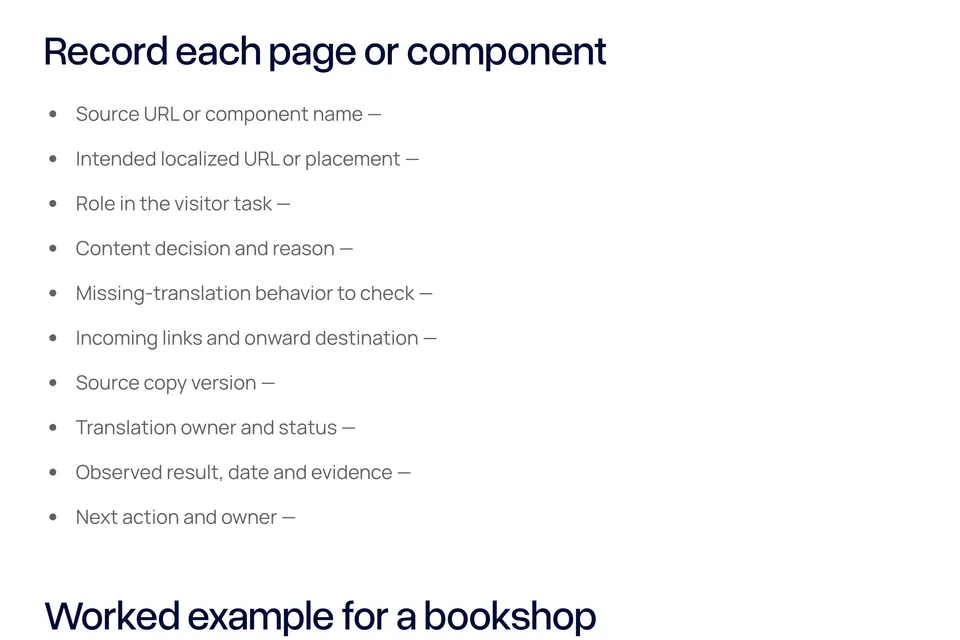
Record each page or component
- Source URL or component name —
- Intended localized URL or placement —
- Role in the visitor task —
- Content decision and reason —
- Missing-translation behavior to check —
- Incoming links and onward destination —
- Source copy version —
- Translation owner and status —
- Observed result, date and evidence —
- Next action and owner —
Worked example for a bookshop
This fictional shop is planning a French reservation journey. Its collection instructions are included in the first release because visitors need to understand where to collect a reserved book. The homepage, reservation form and confirmation are dependencies. The business owner must confirm the collection hours, and a fluent reviewer must approve the instructions.
The event archive is outside the initial scope. The team has yet to decide its availability in the new locale. Before release, its owner must record the intended fallback or hidden-page behavior and check links leading to it.
Status — planned. No translation, platform configuration or visitor test has been completed for this example.
Give the translator context
- Record ambiguous terms and their meaning on this page.
- Include where each button leads and what each error condition means.
- Identify names and brand terms that retain their spelling.
- Include titles, descriptions, image text and confirmation messages.
- Flag changes made to the source copy after translation started.
Review the actual journey
- Open the localized entry URL directly.
- Follow the task through its completion point.
- Check mobile navigation and longer translated labels.
- Inspect the locale picker on each relevant page.
- Verify form errors and the final confirmation.
- Check document language and any essential embedded text.
- Record fallback text and intentionally unavailable destinations.
- Assign unresolved items and a date for the next check.
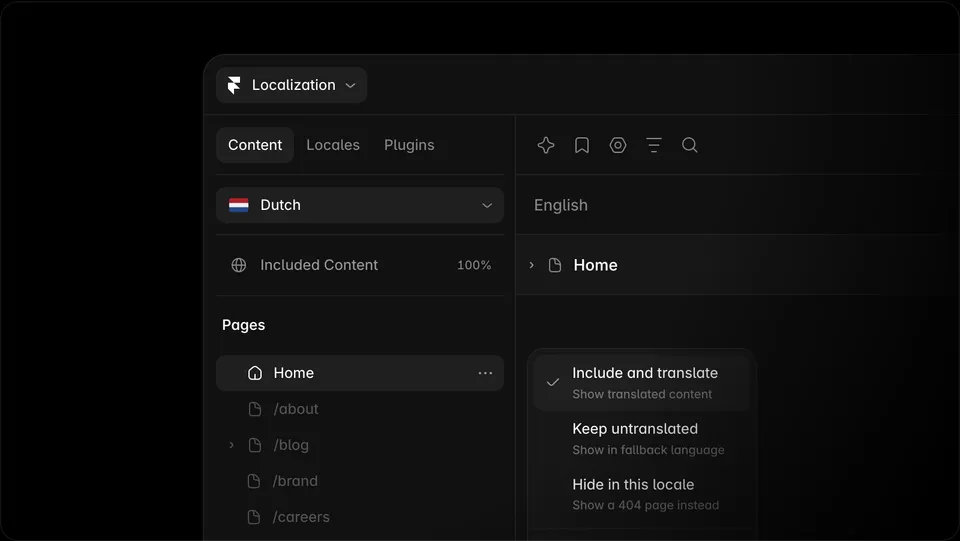
Read the website translation preparation guide for source-copy and layout planning. Framer users can use the locale rollout guide to connect these decisions to the current Content panel.

The Blitz Studio team
We design brands, build websites and engineer digital products.
Talk about your next project