Use this worksheet to decide what each website motion effect does, what the visitor sees with reduced motion and how the behavior will be checked. Copy the effect record for every meaningful component; do not treat a single preference flag as a completed site audit.
The worked example is fictional and explicitly not_tested. Replace it with actual component names, approved decisions and observed results before using the record to support a public claim.
Define the page and task
- Page or component URL:
- Visitor’s task:
- Content and implementation owners:
- Review environment and date:
- Devices and browsers in scope:
- Known exclusions or embedded services:
- Acceptance reviewer:
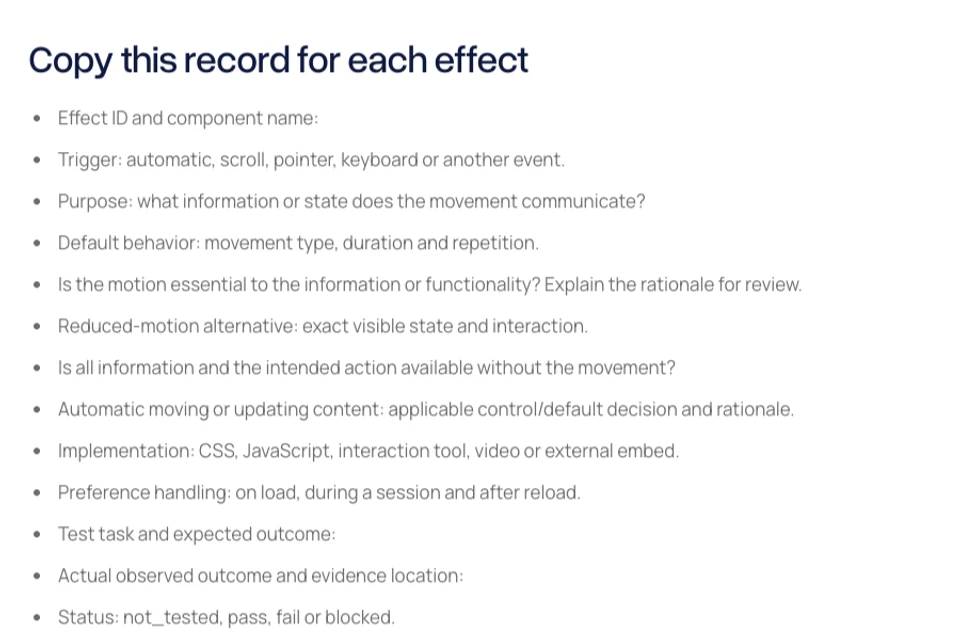
Copy this record for each effect
- Effect ID and component name:
- Trigger: automatic, scroll, pointer, keyboard or another event.
- Purpose: what information or state does the movement communicate?
- Default behavior: movement type, duration and repetition.
- Is the motion essential to the information or functionality? Explain the rationale for review.
- Reduced-motion alternative: exact visible state and interaction.
- Is all information and the intended action available without the movement?
- Automatic moving or updating content: applicable control/default decision and rationale.
- Implementation: CSS, JavaScript, interaction tool, video or external embed.
- Preference handling: on load, during a session and after reload.
- Test task and expected outcome:
- Actual observed outcome and evidence location:
- Status: not_tested, pass, fail or blocked.
- Owner, reviewer and next action:
Fictional worked example
This is an imagined service-card reveal, not a tested Blitz Studio component or a client result.
- Effect ID: DEMO-01, service-card entrance.
- Trigger: scrolling the section into view.
- Purpose: decorative emphasis; the card text and link carry the actual information.
- Default behavior: a short upward movement into the final position, once.
- Essential-motion rationale: proposed as nonessential; reviewer has not assessed it.
- Reduced-motion alternative: show all cards in their final positions with no travel.
- Information and action: expected to remain visible and keyboard reachable.
- Automatic-content decision: review actual implementation and relevant criteria; not assessed in this fictional example.
- Implementation: not selected.
- Preference handling: planned for load and session changes; not verified.
- Test: enable reduced motion, reload and reach the service link using the keyboard.
- Actual result: no observation; this example was not implemented or tested.
- Status: not_tested.
- Owner and reviewer: unassigned.
Prepare the verification record
- Public or local URL, build identifier and date:
- Browser, operating system and viewport:
- Preference source: real device setting or browser emulation.
- Exact task and input method:
- Default-motion observation:
- Reduced-motion observation:
- Preference changed during session? Record actual behavior.
- Reload behavior:
- Navigation or anchor destination remains visible:
- Content never remains hidden because animation did not run:
- Any focus, input or completion issue:
- Evidence link and limitations:
A still screenshot can document a visible state. It cannot establish the behavior throughout an animation or prove accessibility conformance. Retain a precise behavior note and the scoped environment alongside any visual evidence.
Check automatic movement separately
For carousels, background media and automatically updating content, record the actual behavior, duration, surrounding content and any control. Read the applicable conditions and exceptions in the relevant guidance. Do not assume that honoring reduced motion resolves every automatic-content requirement.
- Content starts automatically:
- Duration, repetition or update frequency:
- Presented alongside other content:
- Visitor control available and usable:
- Essential-functionality rationale, if claimed:
- Reviewer’s decision and unresolved questions:
Finish the handoff
- Every effect has a named owner and explicit alternative.
- Controls and core content work in the alternative state.
- CSS, scripts and external embeds are included in scope or explicitly excluded.
- Normal and reduced-motion tasks have actual recorded results.
- Failures have a reproduction step and next action.
- Unknowns remain marked not_tested or blocked.
- Publication wording stays within the evidence collected.
Read the companion reduced-motion planning guide. Primary references are MDN’s preference documentation, W3C Animation from Interactions and W3C Pause, Stop, Hide. This original worksheet is a planning aid, not a compliance certification.

The Blitz Studio team
We design brands, build websites and engineer digital products.
Talk about your next project